
How do I set up a redirect if a URL changes?

Robert Oosterloo
Updated on · 4 min read
If you change the URL of a page or remove a page, anyone using the old link will end up on an error page. This costs you visitors and your position in Google. With a redirect, you automatically forward the old URL to the new one. In this article, you will read when you need one and how to set it up.
In short
- A 301 redirect permanently forwards an old URL to a new one.
- You need one if a URL changes or a page disappears, not if only the title changes.
- For posts and products, WordPress often automatically redirects an old slug, but it does not do this for pages.
- Your website does not have its own redirect management: ask us, and we will set it up for you.
What is a redirect?
A redirect (forwarding) tells the browser and Google: “this page is now located there.” A 301 redirect is permanent. Google will carry over the value of the old page to the new one as much as possible, and visitors won’t notice anything.
When do you need one?
- You change the slug of a page, for example from
/services/to/what-we-do/. - You move a page under another parent page; the URL changes accordingly.
- You remove a page, and there is another page that best replaces it.
- You merge two pages into one.
You do not need one if you only adjust the title, the text, or the SEO title: the URL remains the same.
Nog geen website op leflite?
Wij bouwen hem samen met jou. Daarna pas je alles zelf aan, precies zoals in dit artikel.
- Online binnen een week
- Hosting, SSL en back-ups inbegrepen
- Vanaf €49,95 per maand

What WordPress does itself
If you change the slug of a post or product, WordPress usually remembers the old slug and redirects visitors automatically. For pages, WordPress does not do this. So always assume that the old URL no longer works for a page.
Also, Yoast SEO, which is included in your website, does not have redirect management in the free version.
Setting up a redirect
In your leflite website, you do not set up a redirect yourself. Here’s how to do it:
- Note the old URL before you change anything. Copy it from your browser’s address bar.
- Adjust the URL or prepare the new page.
- Send us the old and new URL via email to info@lefcreative.nl or call 06 35 66 47 73. We will set up the redirect.
Are you changing many URLs at once, for example with a new layout of your site? Discuss it in advance. Then we will create a list of old to new together.
Tip: Only change the URL of a well-findable page if it is absolutely necessary. A neat new URL rarely yields more than the position the old one already has in Google. How to change a URL is explained in changing the URL of a page.
Removing a page? First redirect
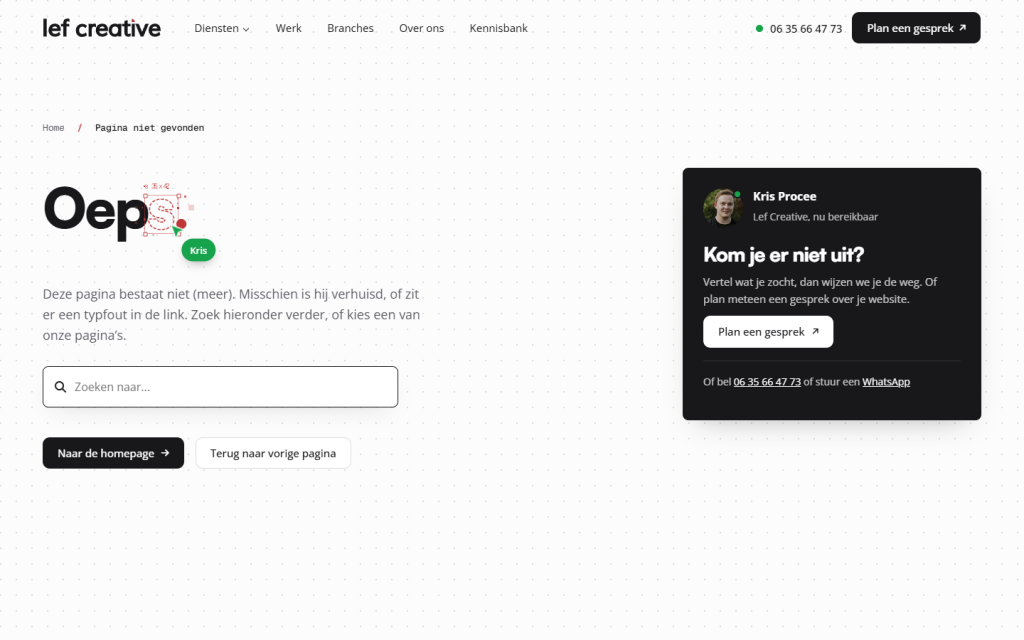
If you want to remove a page, first consider which page best replaces it. For example, an old action page should redirect to your overview of actions, an old service to the service that replaced it. Do not redirect everything to the homepage: Google sees that as an error page, and visitors won’t find what they were looking for. If there is really no replacement, then the old URL may lead to an error page. Also read removing a page and setting up your own 404 page.
Checking if it works
- Open a private window in your browser.
- Paste the old URL into the address bar.
- If you reach the new page, then the redirect works.
If you have linked Google Search Console, check after a few weeks in the pages if any errors (404) are reported.
Not working?
- You still see the error page. Clear your browser cache or try a private window. If it still doesn’t work, send us the old URL again; there might be a small difference, like a slash at the end.
- You no longer remember the old URL. Search in Google for your company name and the page; the old URL is often still listed there. Or ask us.
- You accidentally deleted a page. Restore it from the trash (Pages → Trash). Then the old URL will work again.
Can’t figure it out? Contact us, call 06 35 66 47 73 or email info@lefcreative.nl.
Frequently Asked Questions
No. Only if the URL (the slug) changes. You can simply adjust the title and the SEO title.
Preferably forever. There may still be old links to your page for years, for example on other websites.
Share this article
Robert Oosterloo
Robert Oosterloo is eigenaar en UX/UI-designer van Lef Creative in Kollum. Hij ontwerpt websites, webshops en software voor ondernemers in Noord-Nederland.
Read also
Using the Text block
Display a breadcrumb trail
Share buttons for social media






Want a website like this?
Here you can read how easy it is to maintain a leflite site yourself. Want one too? We will think along with you, no strings attached.
Prefer direct contact? Call Robert at 06 35 66 47 73 or send a WhatsApp.