
Blocks & editor
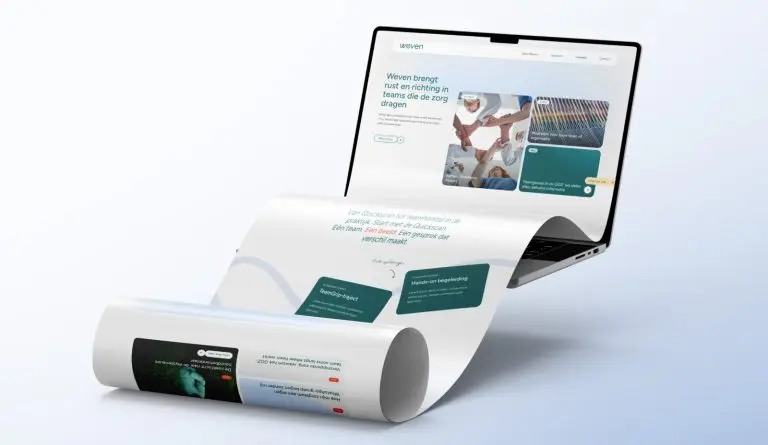


Adding and setting up blocks in the editor.
39 articles about Blocks & editor
Automatically display posts or pages
An overview that updates itself: posts, pages, reviews, or your own selection, as cards or a slider.
Automatically inserting phone number in text
Details that you maintain in one place, inserted into your text with one click: phone, address, opening hours, date, reviews.
Using the Text block
Headings, links, lists, pasting without clutter, giving a word a color, and icons in the text.
Setting up a slider
How many slides, infinite, automatic, space, and arrows: all slider settings for desktop and mobile.
Tabs with Section tabs
Tabs that show a different section per click, linked via the section ID.
More space between blocks
Extra space between blocks with Horizontal Spacing, and when it’s better to adjust the section padding.
Key figures with the counter
Key figures that count up, with euro sign, plus sign, and a short subtitle.
Text in a colored box
A notice, promotion, or summary in a box with a color from your brand style.
A menu with prices
Your menu online: categories, dishes, prices, and ingredients in one block.






No website with Lef yet?
This knowledge base is for everyone with a leflite website. Don’t have one yet? Schedule a conversation, no strings attached, and we will look at what you need together.
Prefer direct contact? Call Robert at 06 35 66 47 73 or send a WhatsApp.