
Webshop
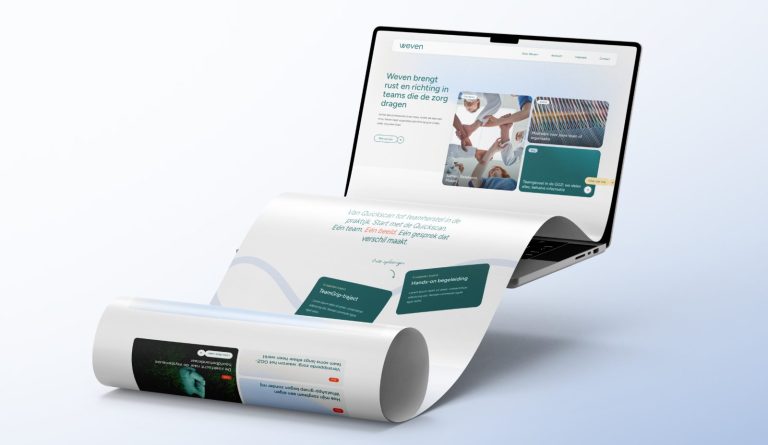
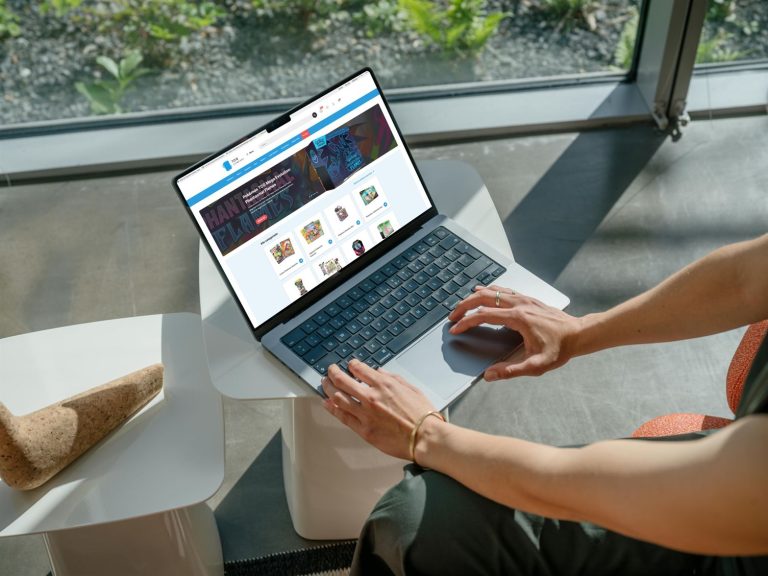

Everything that leflite adds to your WooCommerce webshop: delivery times, volume discounts, sidecart, VAT, withdrawal, and filters.
16 articles about Webshop
Display categories as buttons or cards
Categories as buttons or tiles with subcategories, with the two category blocks.
How do I customize the top of the shop page (header and USPs)?
Banner, breadcrumb, intro, and the default sorting at the top of your shop.
How do I set how products are displayed in the overview?
Photo, labels, and order button in the product card, and what is on the product page.
How do I customize the sidecart?
Buttons, texts, and payment logos in the sliding cart.
How do I set quick category links and text on a category page?
Buttons to subcategories above your products, and text or builders below.
How do I set up tiered discounts?
Discounts for bulk purchases, with tier groups or per product.
How do I enable a wishlist in my webshop?
Allow visitors to save products, with a wishlist icon in your menu.
How does the revocation button work in my webshop?
An online revocation button: cooling-off period, texts, approvals, and refunds.
How do I display a delivery time with my products?
A delivery time banner for the entire shop, by category, or by product.






No website with Lef yet?
This knowledge base is for everyone with a leflite website. Don’t have one yet? Schedule a conversation, no strings attached, and we will look at what you need together.
Prefer direct contact? Call Robert at 06 35 66 47 73 or send a WhatsApp.