
Menus & footer
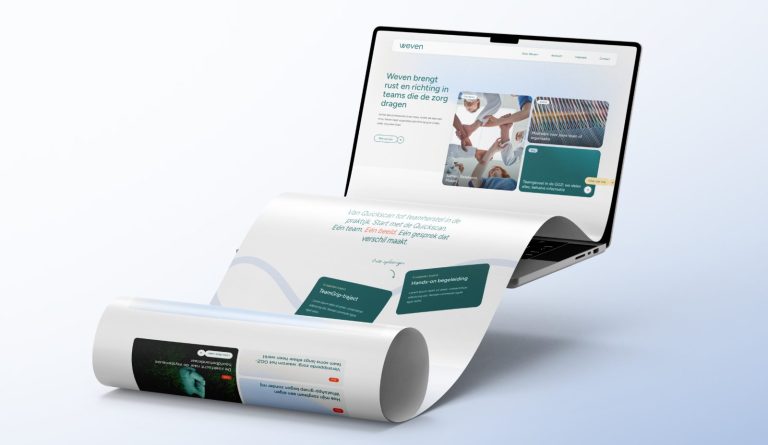
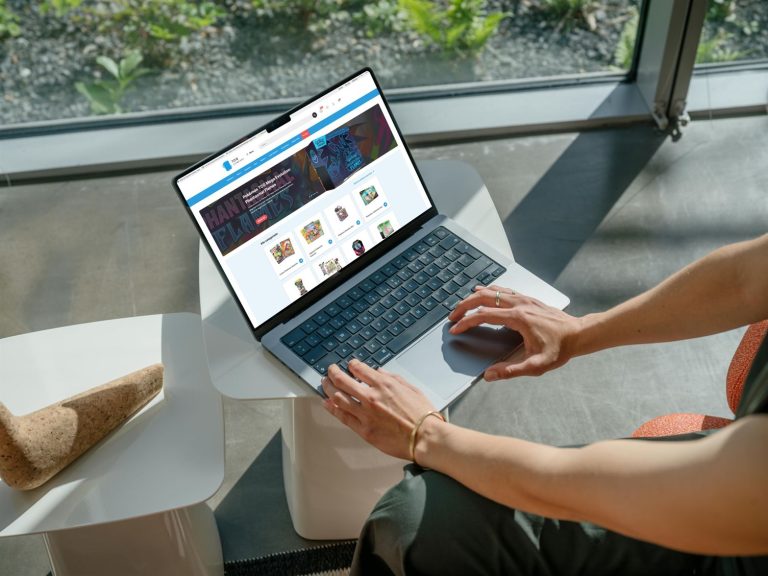

Set up and customize the main menu, mobile menu, mega menu, header, top bar, and footer of your website.
19 articles about Menus & footer
How do I adjust the main menu?
Add pages, change the order, create submenus, and keep the menu short enough.
A button or icon in the menu
A menu item as a button or with an icon, and items shown only on mobile, desktop, or for logged-in users.
How do I change my logo and favicon?
A new logo in the header and a new icon in the browser tab.
How do I set up a mega menu?
A wide dropdown menu with columns: here's how to set it up and fill the columns.
Adjusting the footer
Color, columns, and widths of the footer, your details in it, and the bottom bar.
Setting the header
Scrolling, transparent over the photo, color when scrolling, and full width.
Menus, header, and footer
What you set where: menus, header, top bar, footer, and socket.
A section above the footer on every page
A fixed section, such as a contact block or call to action, automatically above the footer of every page.
How do I enable a wishlist in my webshop?
Allow visitors to save products, with a wishlist icon in your menu.






No website with Lef yet?
This knowledge base is for everyone with a leflite website. Don’t have one yet? Schedule a conversation, no strings attached, and we will look at what you need together.
Prefer direct contact? Call Robert at 06 35 66 47 73 or send a WhatsApp.