
Blocks & editor
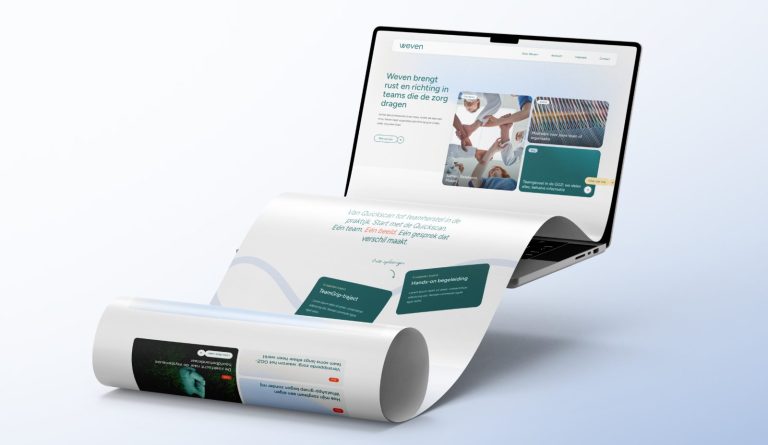
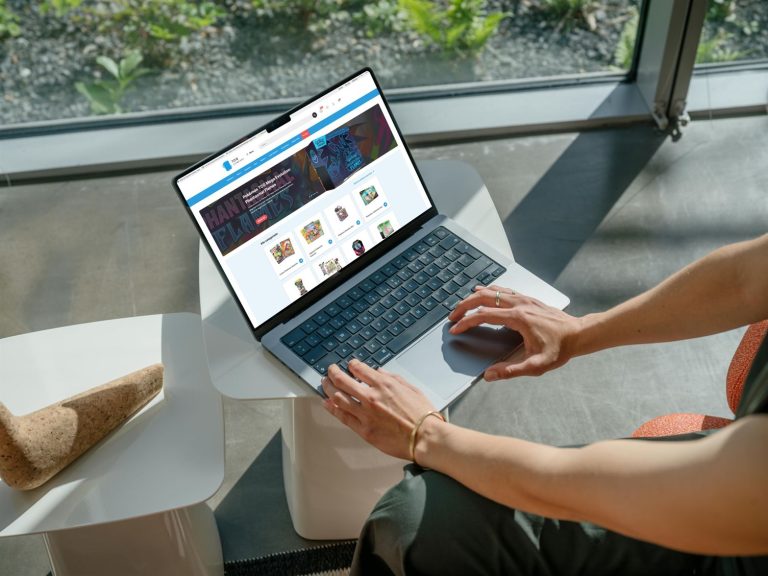

Adding and setting up blocks in the editor.
40 articles about Blocks & editor
The before-and-after slider
Visitors slide between a before and after photo. This is how you set it up.
Create a photo gallery
Photos in a grid, mosaic, or masonry, with a lightbox on click.
A row of customer or partner logos
A neat logo bar, static or moving, with logos that look equally sized.
Placing an image
A photo in a column, with a caption, link, and the right size.
Create an image slider
Photos in a carousel, with a video per slide if you want.
How do I use headings (H1, H2, H3) correctly?
One H1, followed by H2 and H3: this is how to set headings correctly on your page.
How do I add a link to another page?
Links in text and buttons, with good link text that helps Google.
How do I highlight products on a page?
New products, offers, or your own selection, as a grid or slider.
How do I display frequently asked questions on a page?
Individual questions or entire categories as expandable blocks, with FAQ schema.






No website with Lef yet?
This knowledge base is for everyone with a leflite website. Don’t have one yet? Schedule a conversation, no strings attached, and we will look at what you need together.
Prefer direct contact? Call Robert at 06 35 66 47 73 or send a WhatsApp.