
Blocks & editor
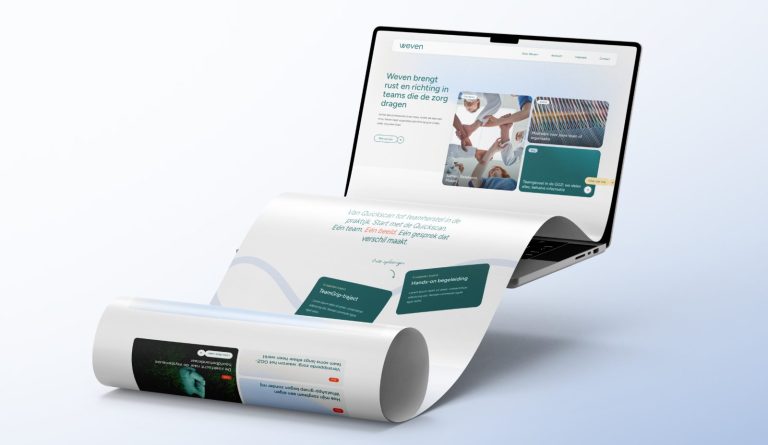
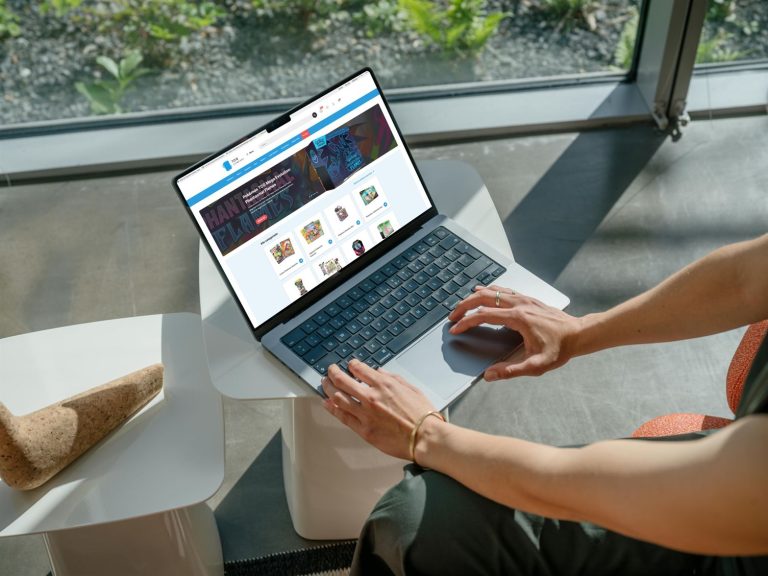
Adding and setting up blocks in the editor.
40 articles about Blocks & editor
A card with an image and a button
Tiles with an image, title, text, and button, fully clickable.
Display categories as buttons or cards
Categories as buttons or tiles with subcategories, with the two category blocks.
Expandable text with the accordion
Questions or topics that expand with a click, and when it's better to use the FAQ module.
All blocks in one place
All blocks from leflite in one place: what they do, when to choose them, and where to find the explanations.
Move, copy, or delete a block
Moving, duplicating, and deleting blocks, columns, and entire sections, and undoing a mistake.
Add a section and organize it
A new section, choosing a column layout, adjusting widths, and placing columns within a column with a row.
Make an entire card clickable
Want to make an entire tile clickable? Here's how to do it with the Card block, Highlight, or an image with a link.
Colors and fonts
Where the colors in your color pickers come from, and how to adjust your brand identity.
Embedding a YouTube or Vimeo video
A YouTube or Vimeo video on your page, privacy-friendly and in the correct aspect ratio.






No website with Lef yet?
This knowledge base is for everyone with a leflite website. Don’t have one yet? Schedule a conversation, no strings attached, and we will look at what you need together.
Prefer direct contact? Call Robert at 06 35 66 47 73 or send a WhatsApp.